
Detect independent blocks
Identifies eligible paragraphs, messages, articles, code and image sections—even inside nested scrollers.
ARKFLAME STUDIOS / BROWSER TOOLS
Long conversations, articles, feeds and documentation should stay responsive. Global DOM Optimizer helps Chromium skip unnecessary rendering of eligible content outside the viewport—without removing it from the page.
For Chromium and Helium · Manual installation (unpacked) · Chrome Web Store listing pending
HOW IT WORKS
Content remains in the document. Supported sections far from view can skip layout and painting until you approach them.
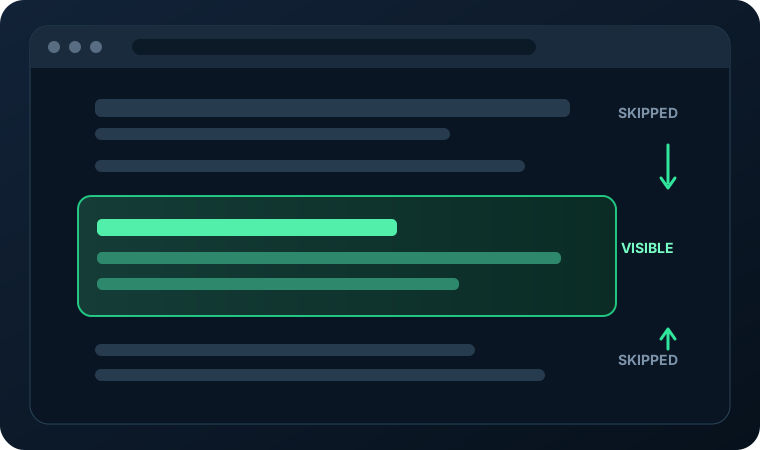
Identifies eligible paragraphs, messages, articles, code and image sections—even inside nested scrollers.
Uses native content-visibility containment rather than deleting nodes or rewriting the website.
Viewport-aware observation and cached scan regions bring nearby elements back as you scroll.
BUILT FOR REAL PAGES
Designed for lengthy AI conversations, documents, tutorials and image-rich feeds.
Tracks structural changes in cached regions instead of rescanning the entire page after each update.
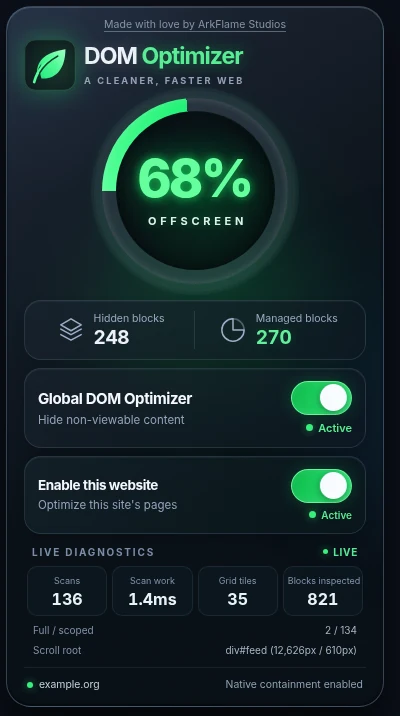
Inspect managed blocks, offscreen coverage estimates, scan counts and local scan work.
One automatic optimization strategy, plus a global switch and a site-specific on/off control.
GET STARTED
Download the extension, unzip it, then open chrome://extensions in your Chromium-based browser. Enable Developer mode and select Load unpacked.